Photoshop Shortcut Overload: Search Instead of More Keys
You customized every tool, action, and plugin until your shortcut list felt professional. Now you hesitate before pressing anything, shortcuts clash across panels, and half the chords only work on one machine. That is shortcut overload: you traded menu hunting for memory hunting, and both hurt flow when the stack gets too tall.
Why Shortcut Overload Builds in Photoshop
Photoshop exposes a huge surface: tools, adjustments, filters, layer operations, export paths, and plugins. Each one invites a shortcut. Early wins feel fast. Later, you forget which modifier you chose, or Adobe updates a default, or a second plugin steals the same key.
Shortcuts also do not scale socially. Your muscle memory at home differs from the studio Mac, the client laptop, or a clean install. The more you rely on rare chords for occasional commands, the faster the system rots.
When More Keys Is the Wrong Fix
Before you assign another shortcut, ask:
- How often will you run this command? Rare tasks rarely deserve permanent keys.
- Does this shortcut already mean something else in Photoshop, the OS, or another panel?
- Will Future You remember the combo without a cheat sheet?
If the honest answer is "maybe not," a search-first escape beats squeezing more onto the keyboard. You keep a small set of high-frequency chords and offload the long tail to recall-by-name.
Command Search as Your Overflow Valve
Configurator Reloaded 2 includes Command Search: type a fragment, filter menus, actions, brushes, tool presets, tools, workflow scripts, and Script Editor scripts, then press Enter to run or add the item as a panel button. It does not erase shortcuts you love. It absorbs the ones you would have invented next week and forgotten next month. Behavior and categories are on the Command Search page.
Command Search in Configurator Reloaded 2 turns rare commands into typed recall instead of new shortcuts to maintain.
The One Shortcut Worth Adding on Purpose
If you adopt search as your pressure release, protect it with a single reliable hotkey that opens the palette from anywhere in Photoshop. The Command Search keyboard shortcut page describes a helper flow so you are not digging the Plugins menu every time.
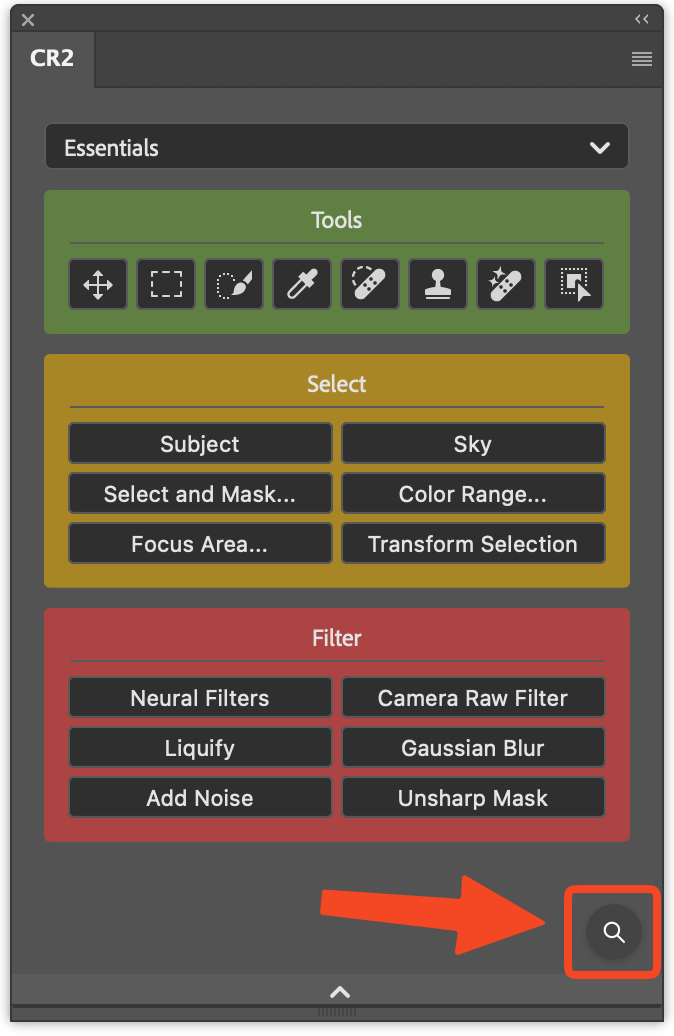
The panel footer icon in the plugin opens Command Search when you prefer a click over a global key.
Shortcut overload is a signal to simplify ownership, not to memorize harder. If you want menus, actions, and scripts reachable without growing your chord chart, try Configurator Reloaded and let Command Search carry the long tail.